EarthDL 0.4.10 Released at Sep 25, 2026
EarthDL is a tool that helps you to get offline satellite images from google earth (not google maps), including historical imagery. It can work without google earth installed. It can also download from Google Satellite, Esri World Imagery, Bing Aerial, or your own XYZ tile server.
After downloading, EarthDL joins all tiles into one image and gives you:
- One big JPG / PNG mosaic cut exactly to your area, with world file (.jgw / .pgw) and .prj (EPSG:3857). QGIS, ArcGIS and Global Mapper open it directly.
- A KML GroundOverlay to check the position in Google Earth.
- A SketchUp model (.skp) with the image as texture, in real meters, with geo-location already set. Also a Ruby script (.rb) and Collada (.dae) for older SketchUp.
- A Blender file (.blend): textured mesh in real meters, texture packed inside, polygon shape and soft edge kept. Also a glTF (.glb) and a Python import script, so it works even on a computer without Blender.
- A transparent PNG when you draw a polygon, with optional rounded corners and soft (feathered) edges.
You can select the area by dragging a box, drawing a polygon, typing coordinates or searching a place name. The zoom selector shows the number of tiles, the image size in pixels and the ground size in meters before you start. Historical imagery: pick a date from the list of dates that really exist in your area.
If you want to make an offline map of your city, or a site plan for SketchUp or Blender by yourself, it is very useful for you.
It is very easy to use. Click here to see how to use it.
It costs you only $55! Buy now
Note: The downloaded offline images are only for your personal purpose, non-commercial use.
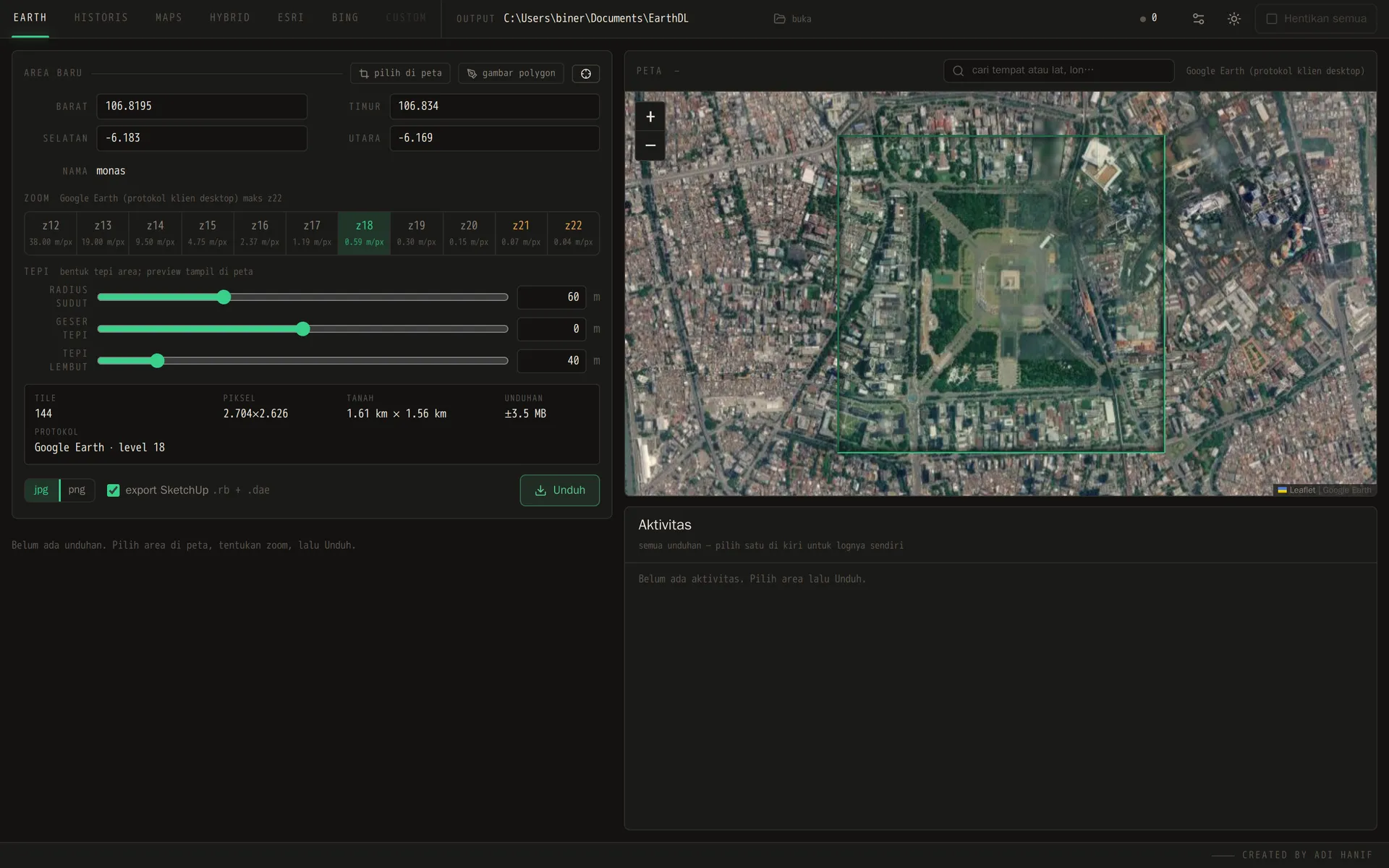
EarthDL main window: pick the area, the zoom and the edge shape
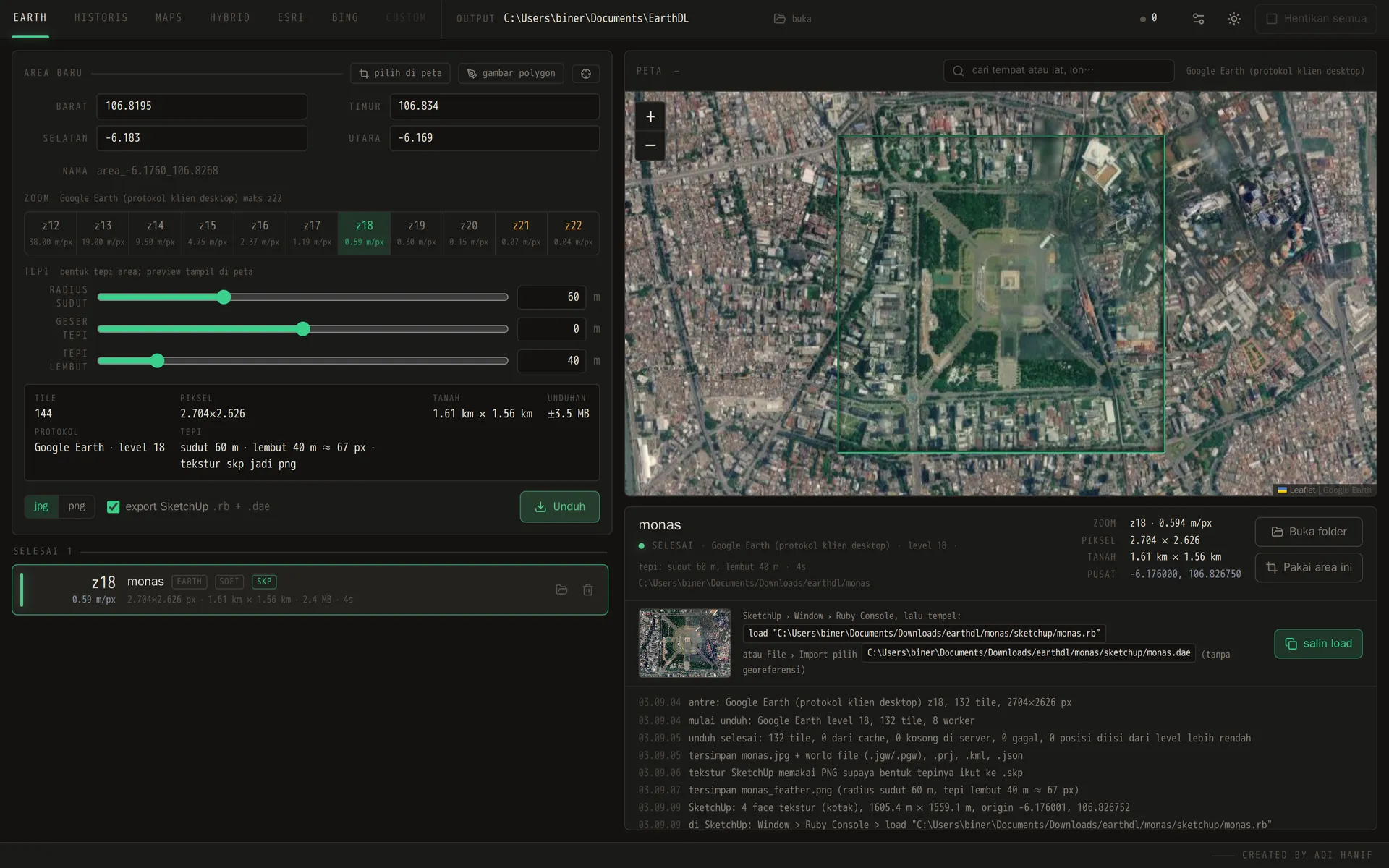
Finished job: mosaic, world file and SketchUp model ready to open
More Examples
Real output of EarthDL, source Google Earth, zoom 18, Monas square in Jakarta. The grey and white squares show where the PNG is transparent. The soft edge (feather) fades the image to transparent over the last N meters, so the satellite image blends into the ground of your SketchUp model or into your map layout instead of ending with a hard cut. Corner radius and edge offset shape the border before the fade.
Normal (box)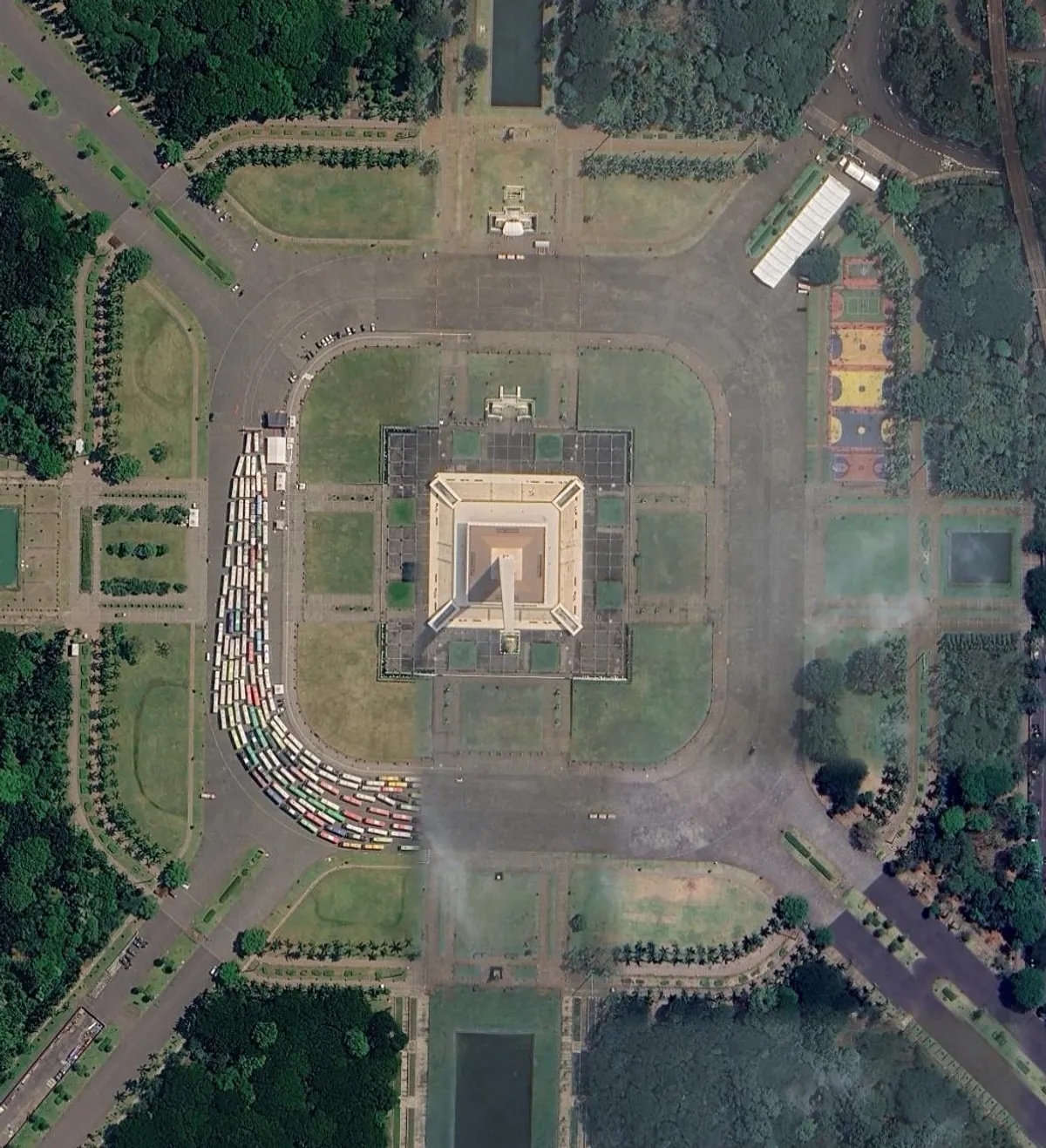 Box area, hard edge. Output: monas.jpg + world file. | Soft edge (feather 60 m)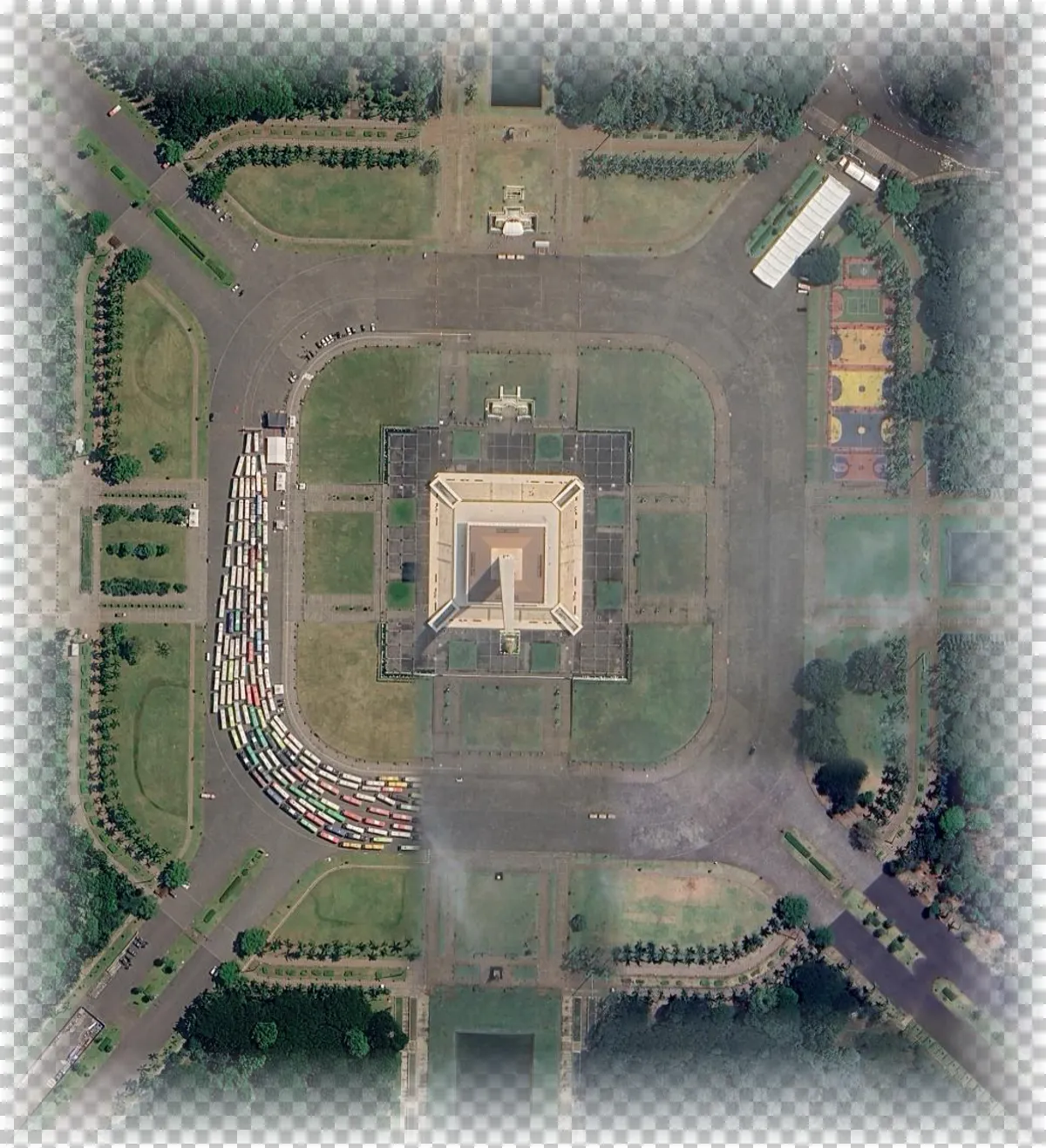 Same box, alpha fades to transparent over 60 m. Output: monas_feather.png. | Polygon, corner radius 60 m + feather 40 m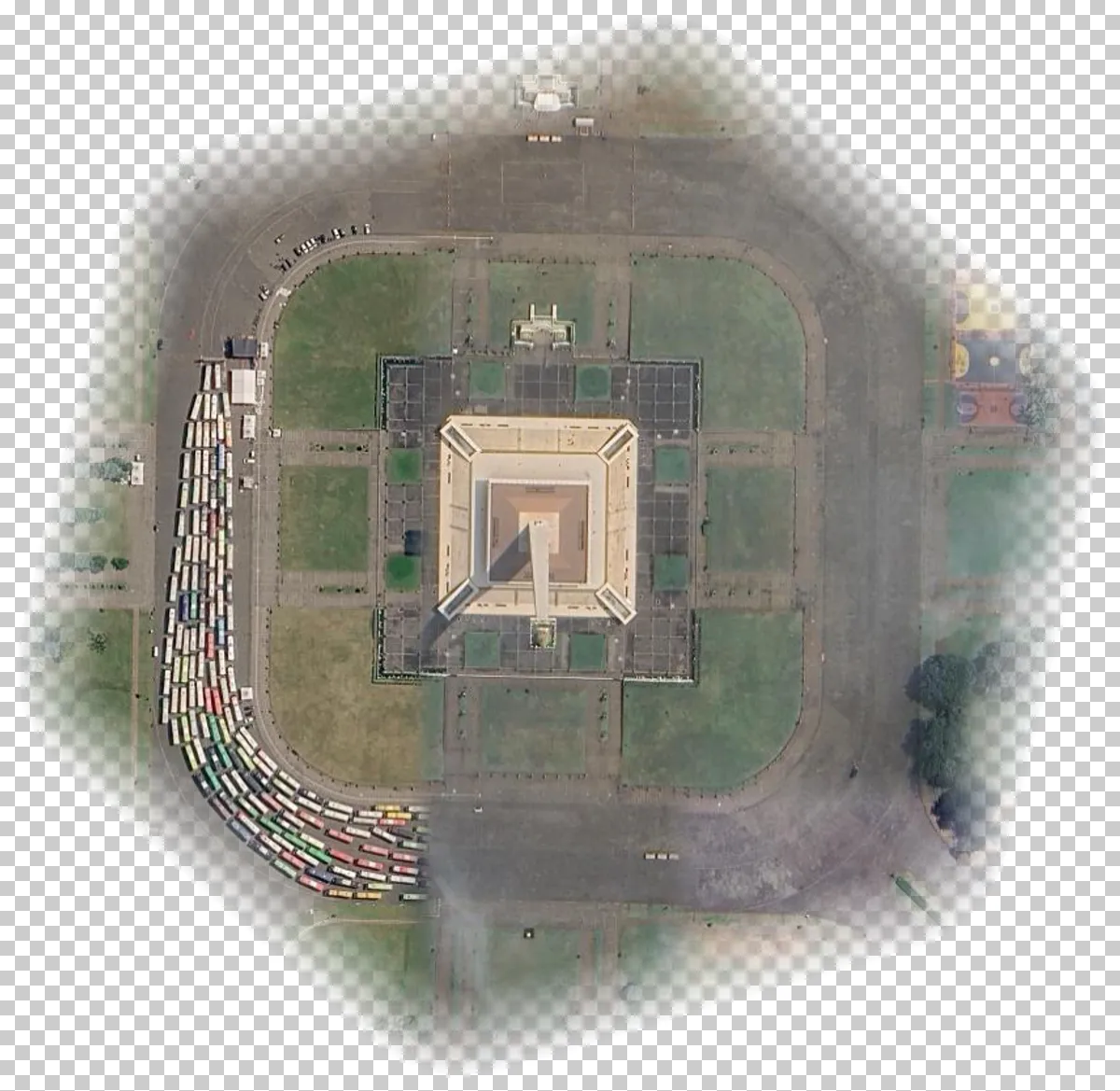 Hexagon drawn on the map, corners rounded, soft edge. Output: monas_polygon.png. |
System requirements
- Windows 10 or 11 (64-bit)
- Microsoft Edge or Google Chrome (the window of the program opens in it)
- SketchUp installed, only if you want the .skp file written directly (the .rb and .dae files work without it)
- Blender installed, only if you want the .blend file written directly (the .glb and .py files work without it)
- Internet connection while downloading images